Studio Or Free Resolve
In Resolve Studio, Pressed Motion opens in its own window with Press It, Before and Restore Original. In free Resolve, all 15 styles are in Effects: drag one onto a clip and set it in the Inspector.
A DaVinci Resolve plugin that prints every frame of your clip onto paper. 15 print styles, any ink colour, and your viewer updates live.
No keyframes and no rendering to see it. Your viewer follows every change while the playhead stays put.
Put the playhead on a clip and pick one of 15 print styles.
One click prints the clip, frame by frame.
Pick any ink or paper colour and the print updates right away.
Studio, free Resolve and stacking inks, start to finish in under 6 minutes.
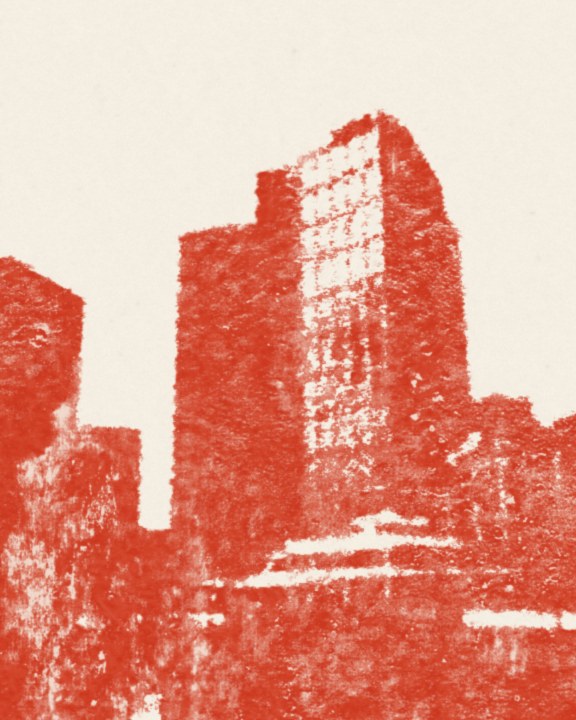
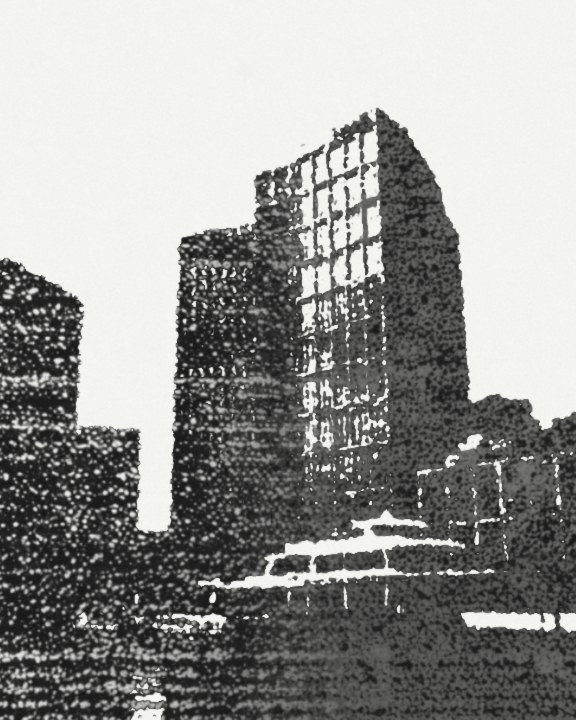
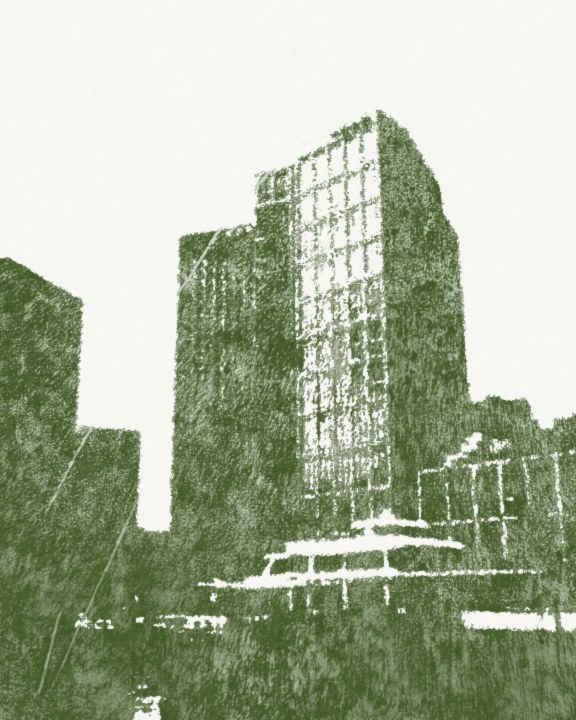
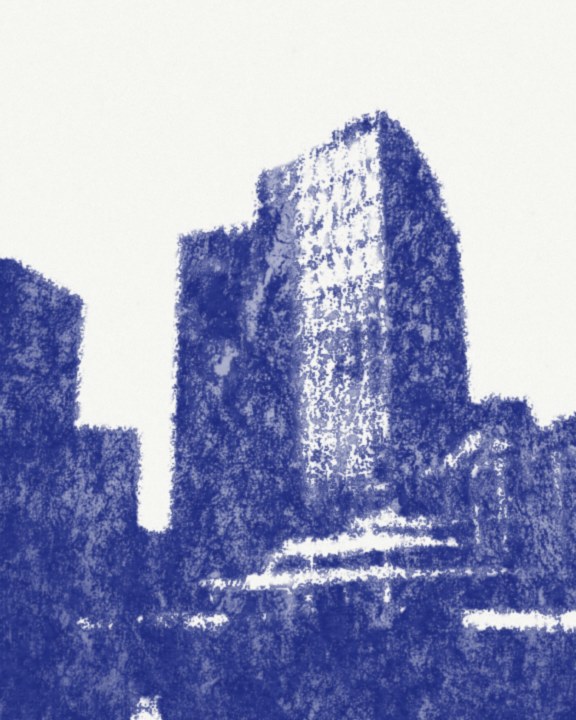
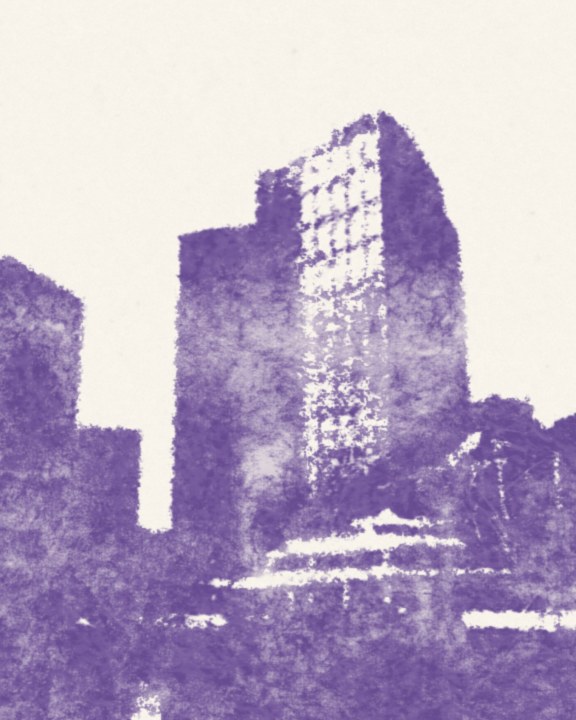
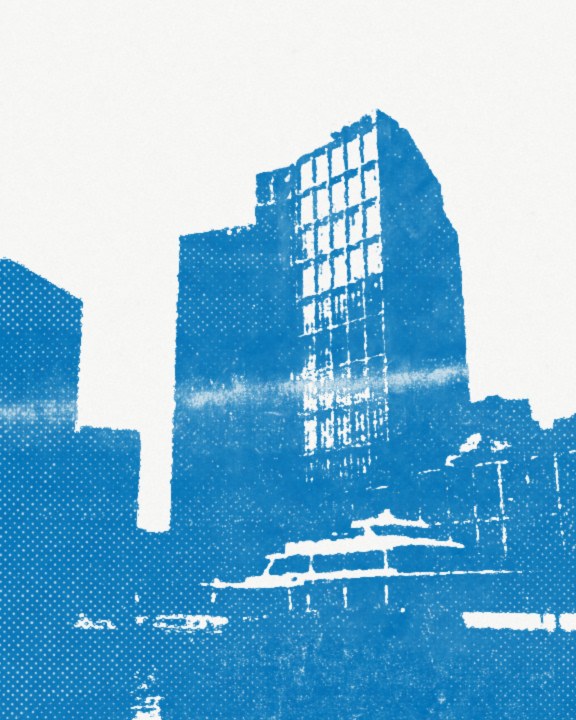
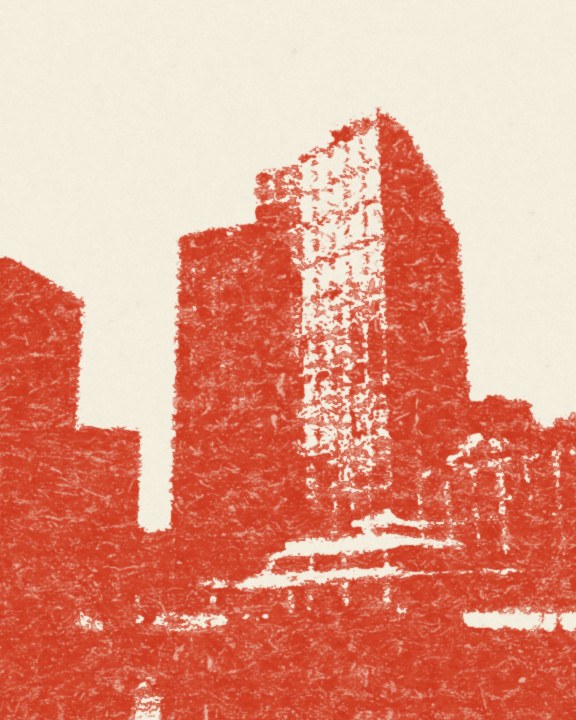
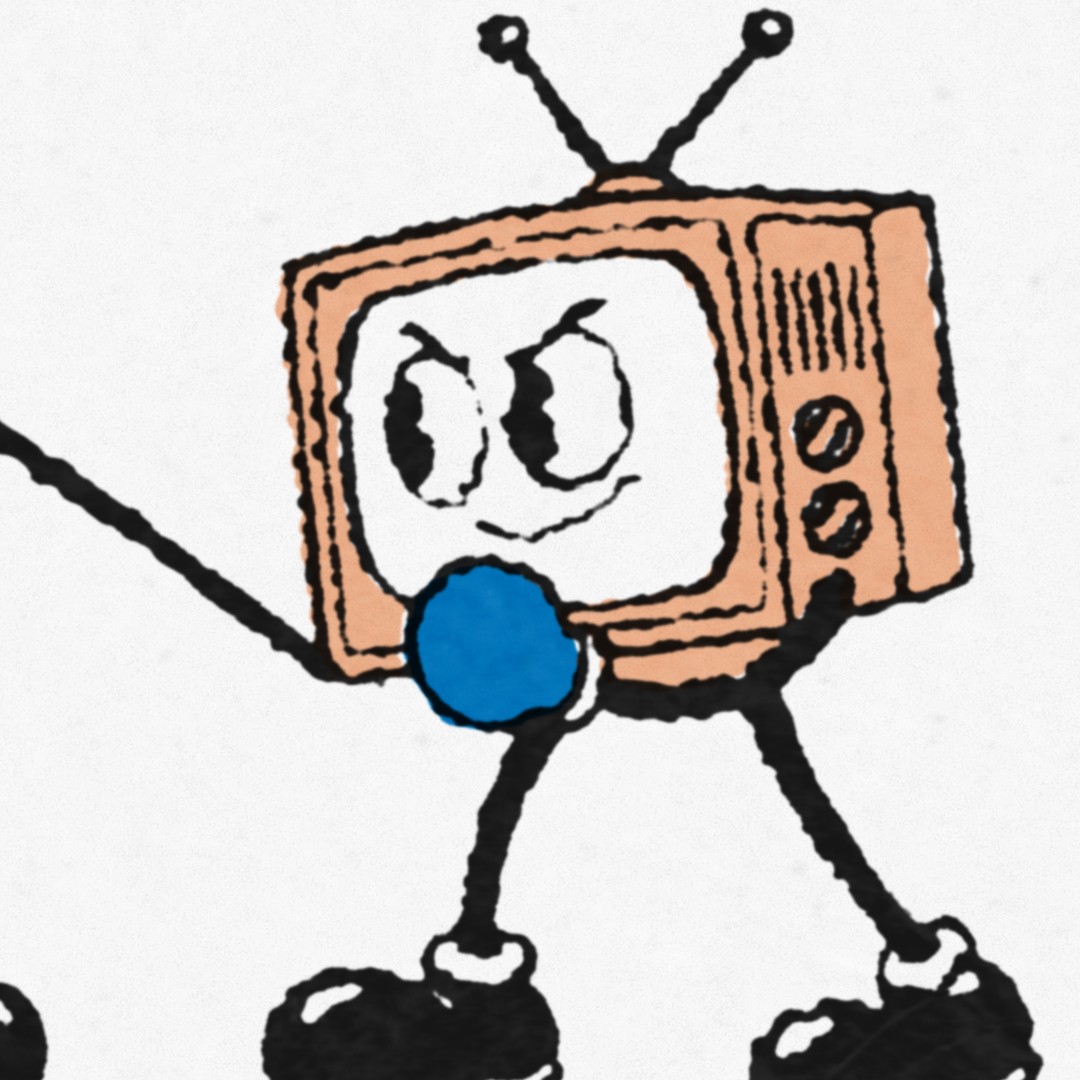
Drag across each one to see it before and after. Graphics print the cleanest, and footage prints as a poster of your shot.
A 4-ink cartoon, each ink printed on its own track and overprinted.
A city clip straight from the camera, printed in Newspaper.
Each has its own ink texture, paper and defaults. Pick any ink and paper colour on top.
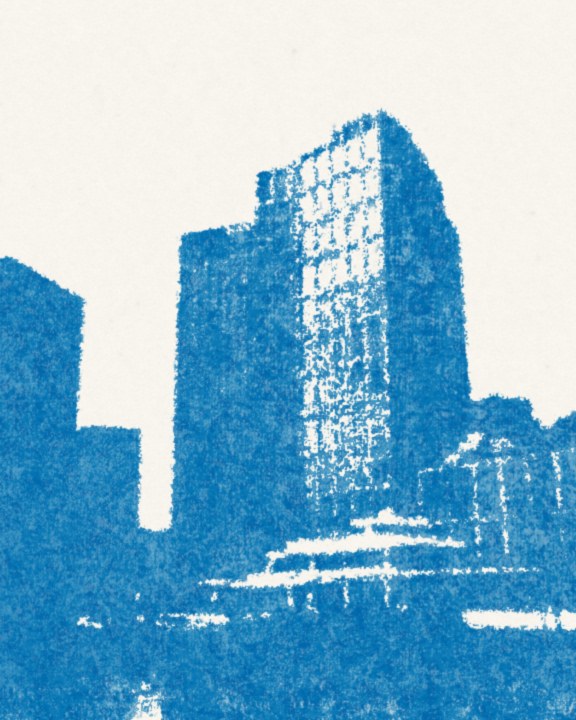
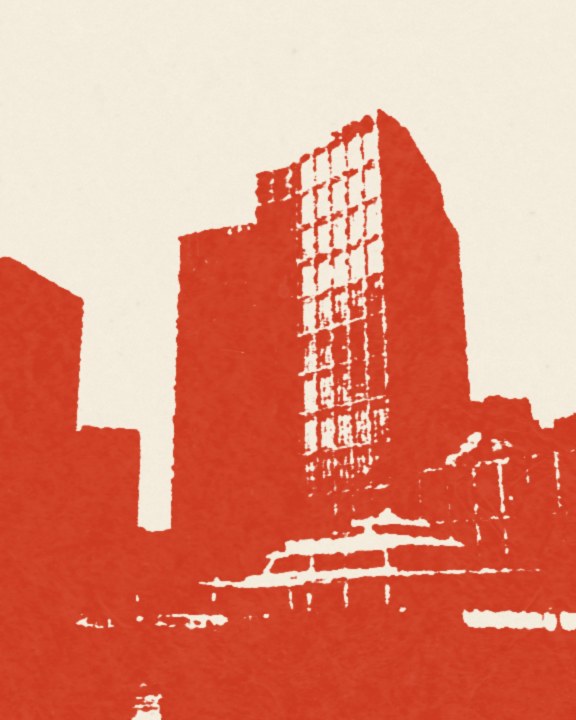
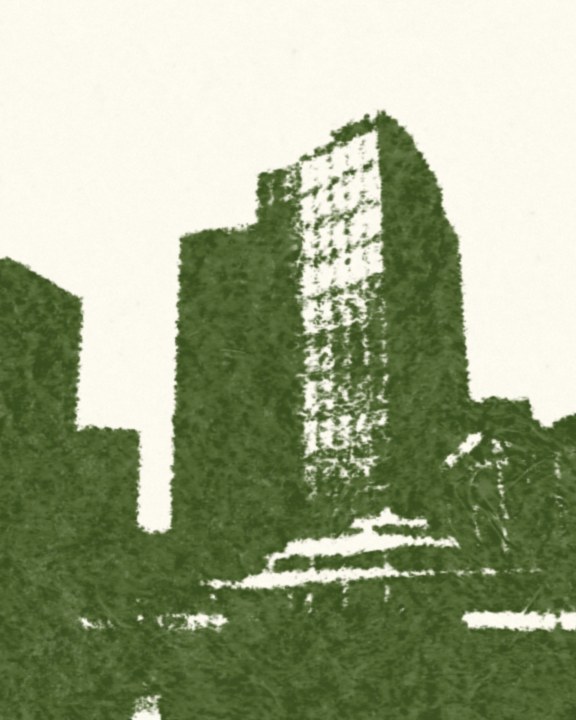
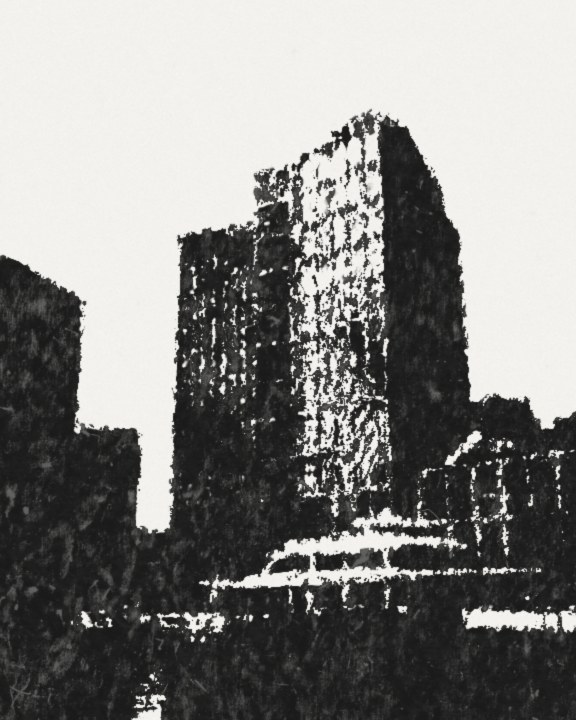
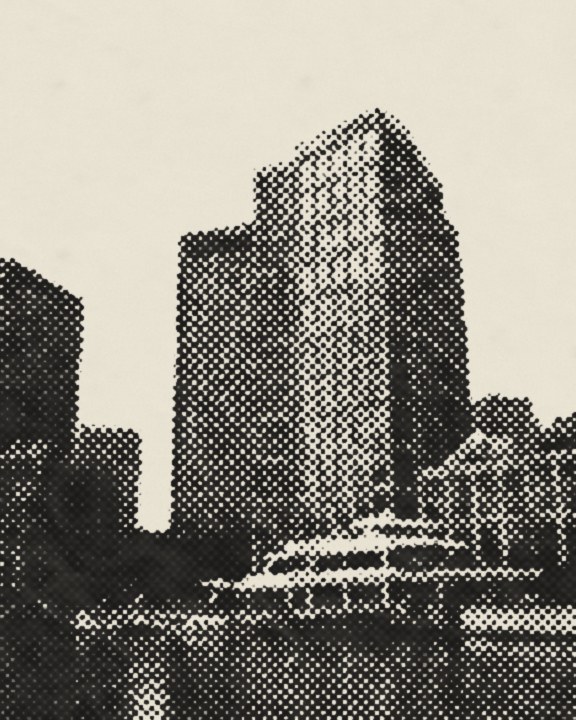
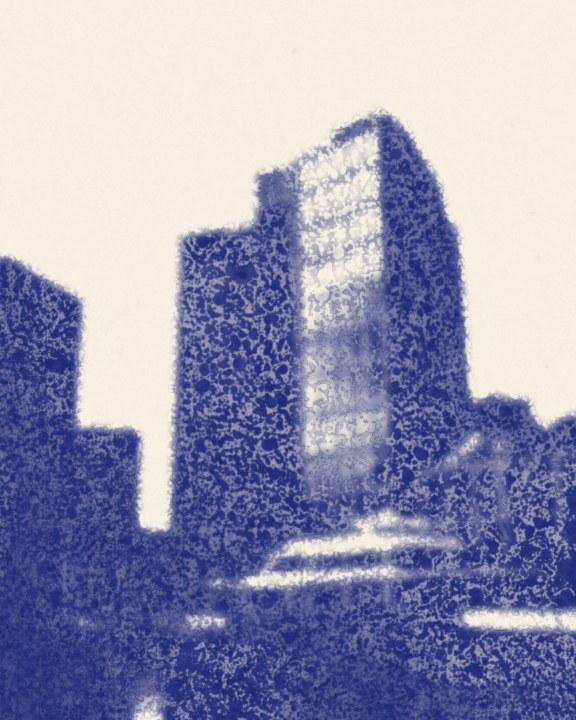
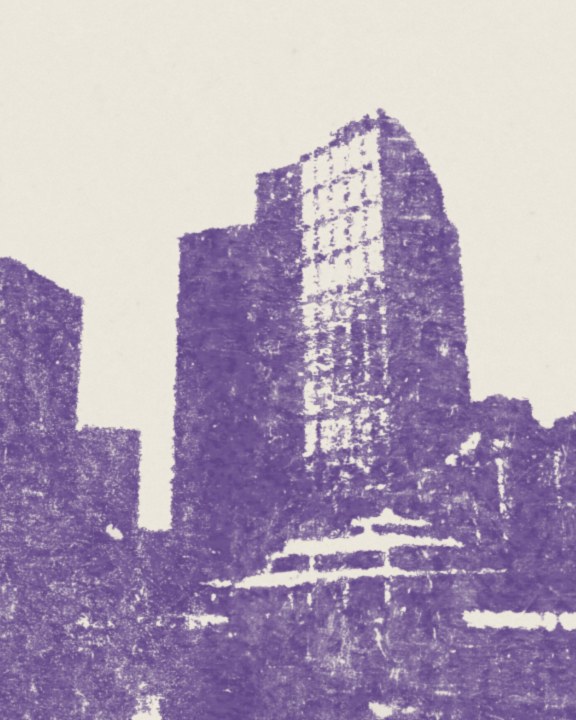
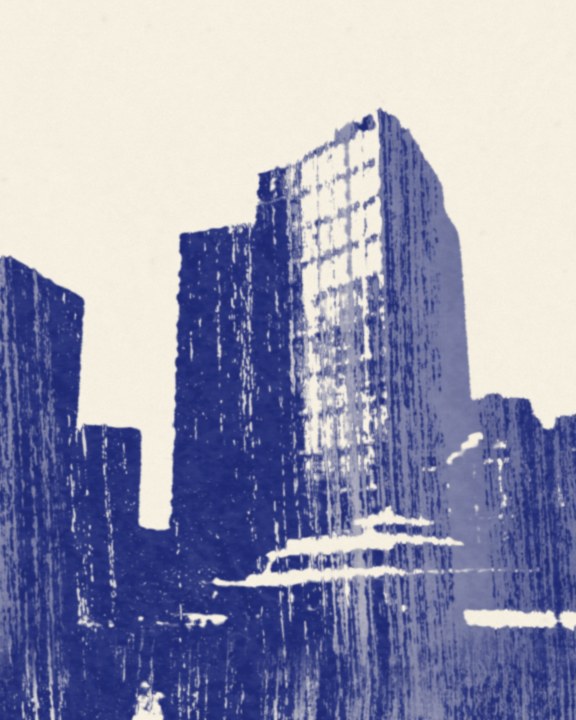
In Resolve Studio, Pressed Motion opens in its own window with Press It, Before and Restore Original. In free Resolve, all 15 styles are in Effects: drag one onto a clip and set it in the Inspector.
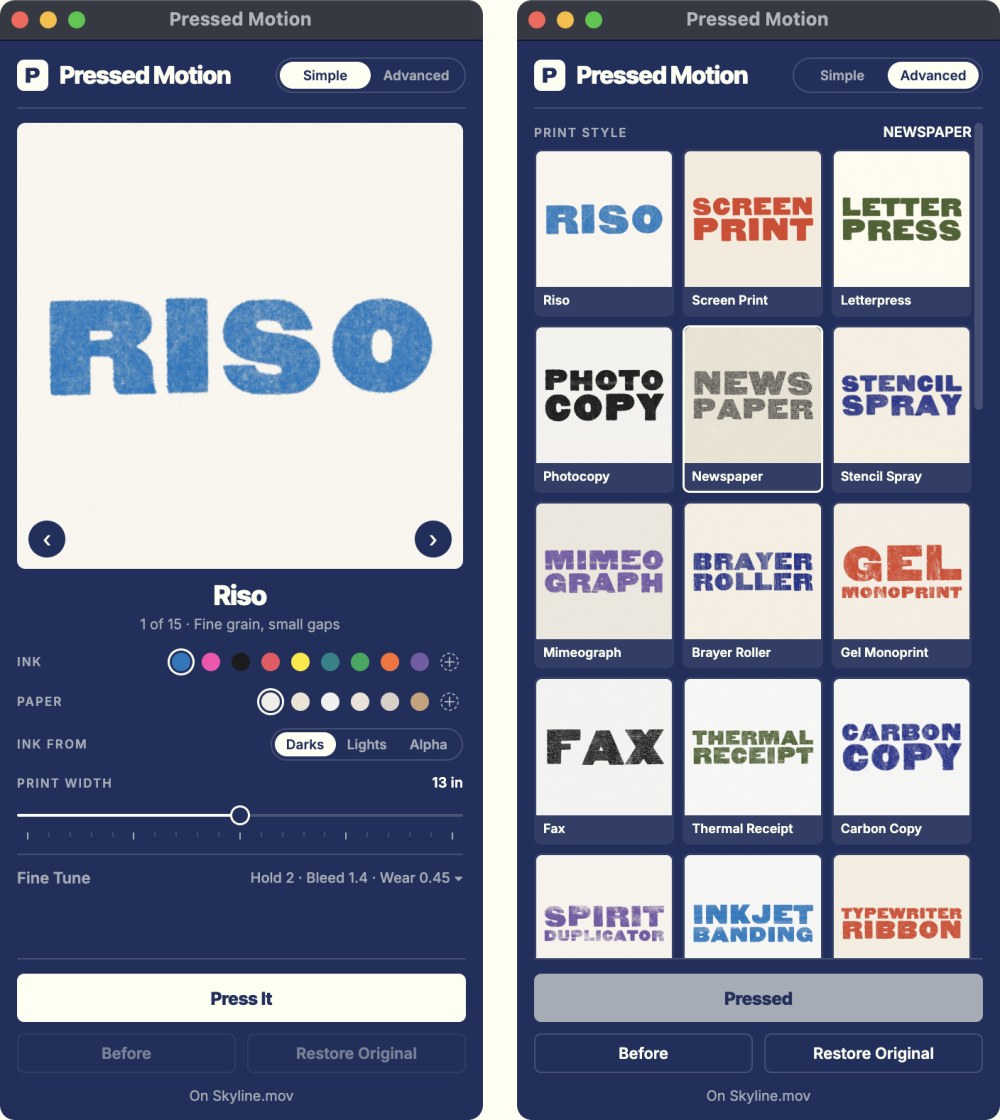
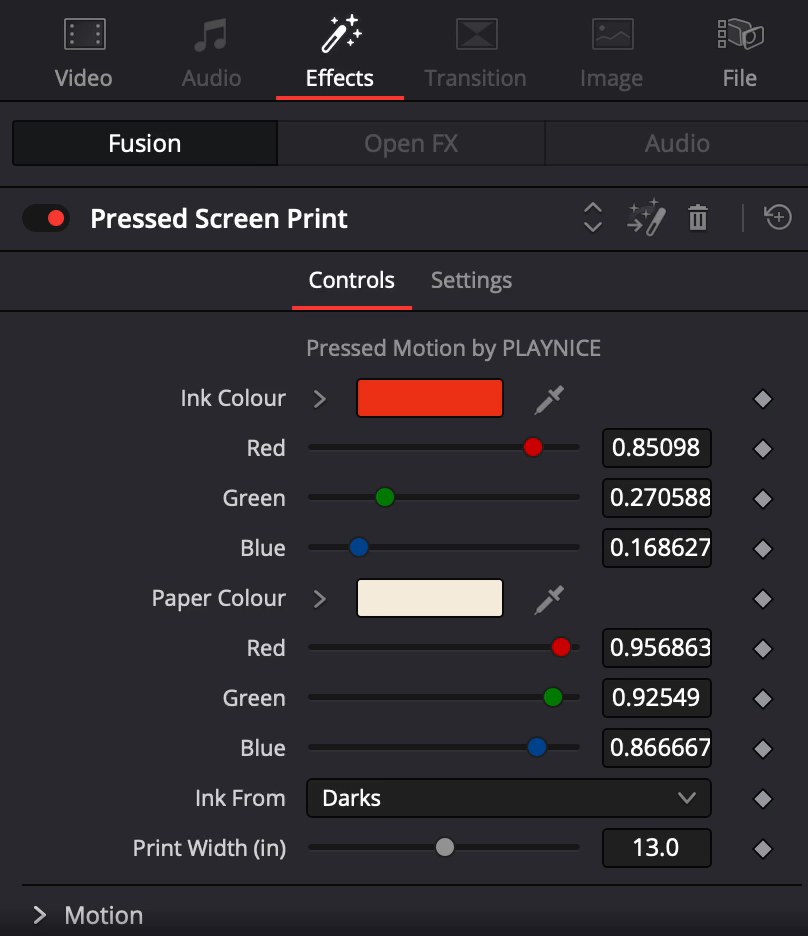
Set the print width in inches, and the ink grain and paper fibres stay true to size at 1080 or 4K. Every new sheet slips a little out of register, like a real run, and the paper never flickers.
No. Free DaVinci Resolve 20 gets all 15 styles in Effects. The Pressed Motion window, with Press It and live updates, needs Resolve Studio 20.
In Resolve Studio, open Workspace > Workflow Integrations > Pressed Motion. In free Resolve, open Effects, find PLAYNICE Pressed and drag a style onto a clip.
No. Your viewer follows every change as you make it, and the playhead stays where it is.
Yes. Graphics and type print the cleanest, like a real press. Footage prints as a poster of your shot, and Newspaper keeps the tones as a halftone.
Yes. The ink, paper and edges scale with your frame, so 4K looks like the same print, just sharper.
Yes. Print each ink on its own track, set the top ones to Multiply with white paper, and the inks overprint. The tutorial shows how.
Yes, on unlimited personal and client projects. Just don't share or resell the plugin or its files.
No. Pay once and keep it, with lifetime updates.
Email hello@playnicebenice.com.
Once you press a clip, you won't want to post a flat one again.