Make Your Design Look Truly Printed

A Photoshop plugin with 15 print methods, from riso to photocopy. True-size paper and any ink colour.
$39 $10 off until Wed Nov 11
One payment, lifetime updates. Mac + Windows, Photoshop 2023+
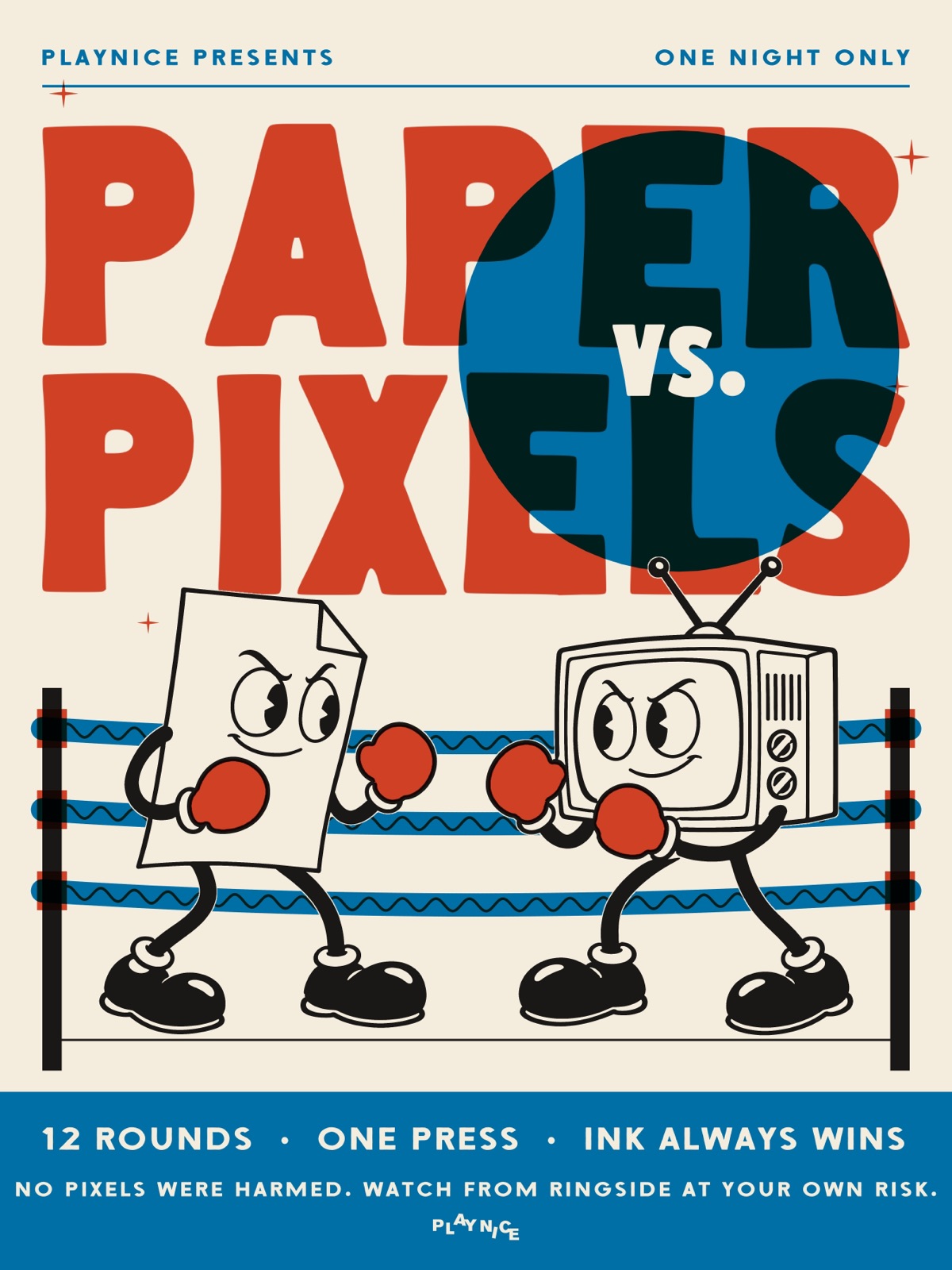
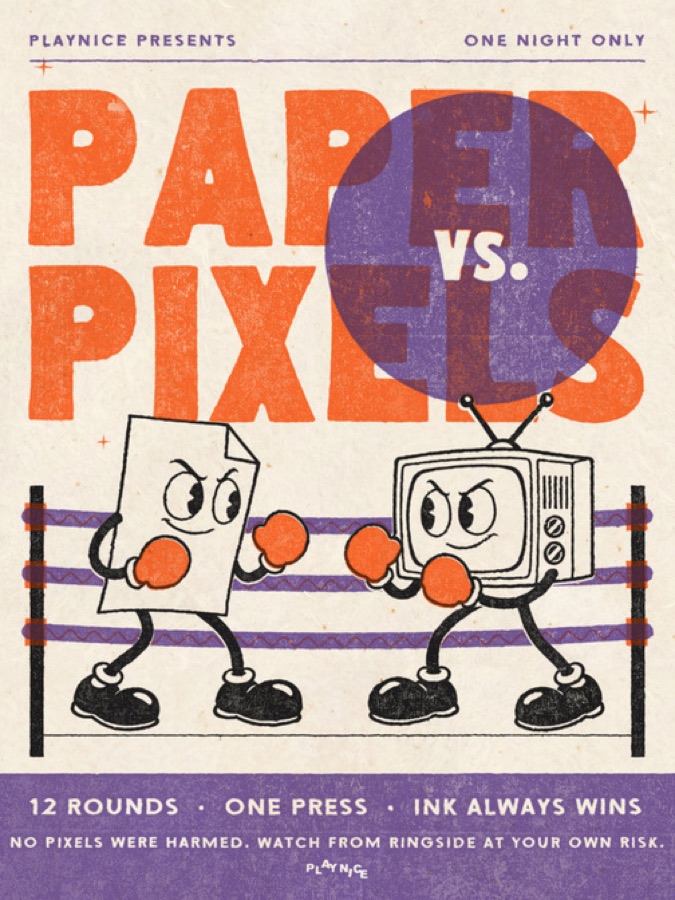
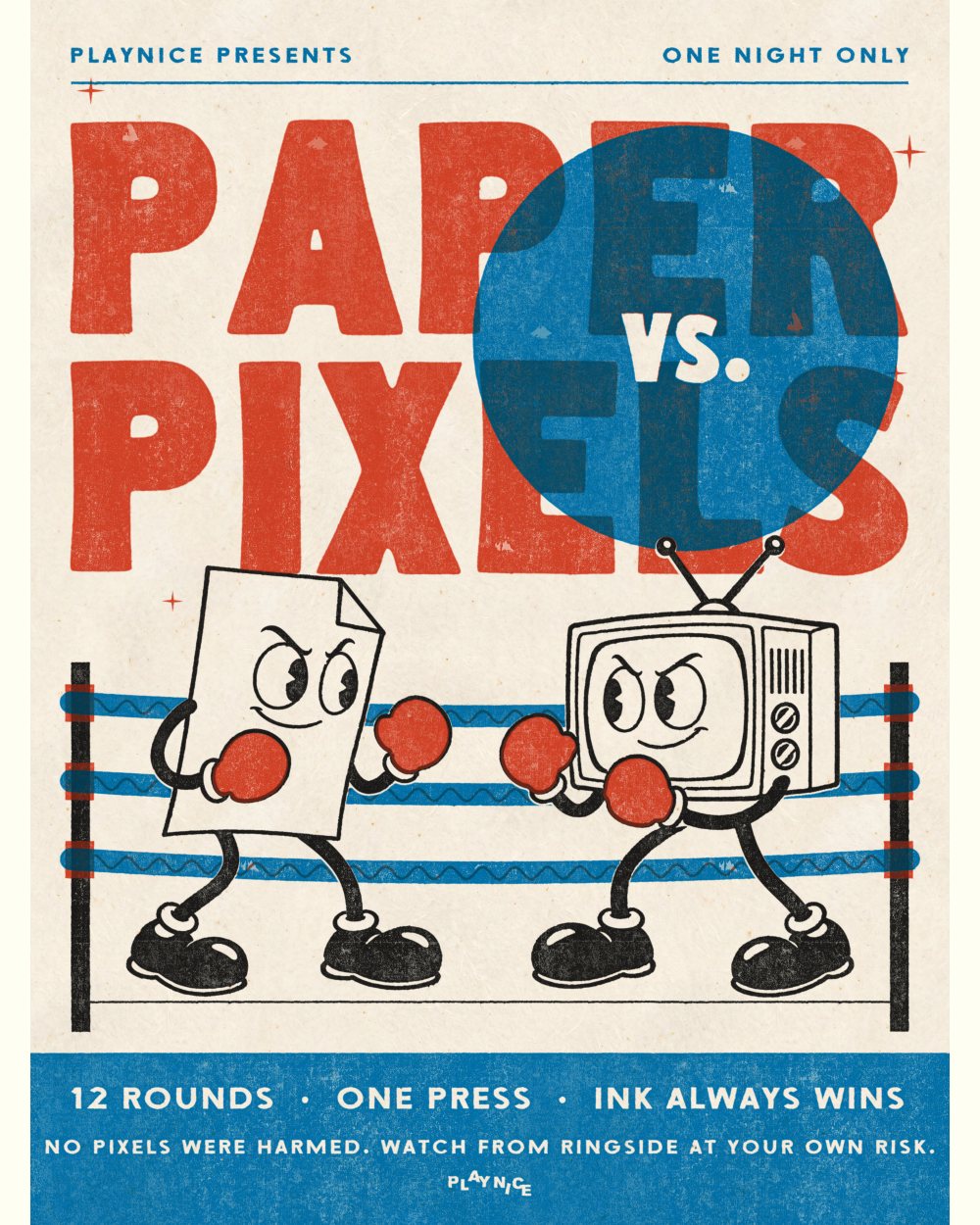
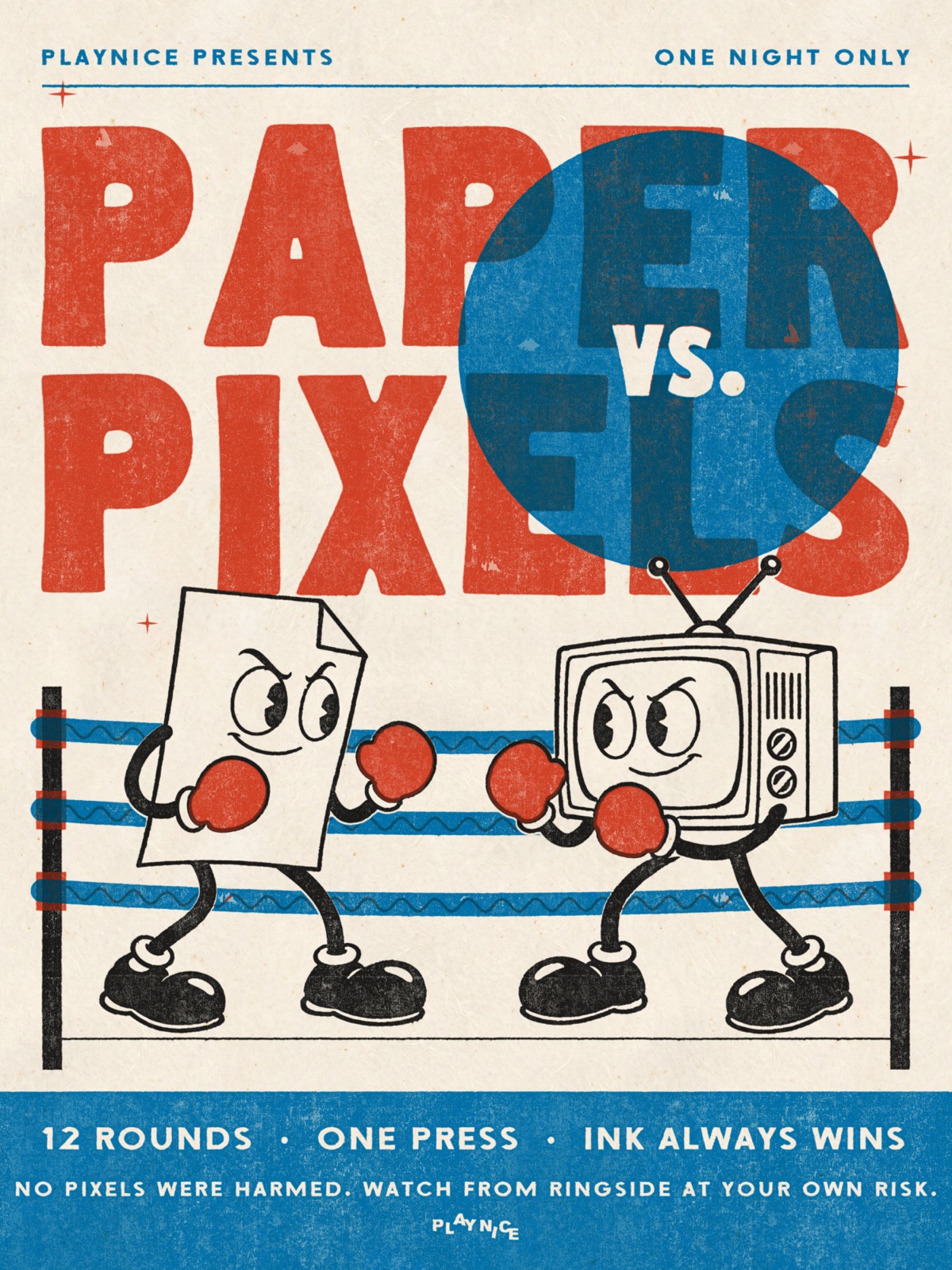
Paper vs Pixels fight poster printed with Pressed in riso on cream paper The same poster as a flat digital file
FlatPrinted

Pick A Paper And An Ink, Then Press It

One button when you want it fast, every control when you want it exact. It all runs inside Photoshop.

15 Ways To Press It

Each name is pressed in its own method.
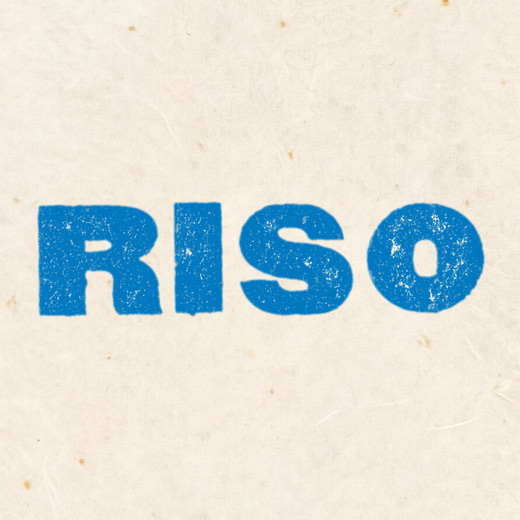
Riso printed in the Riso method
Riso
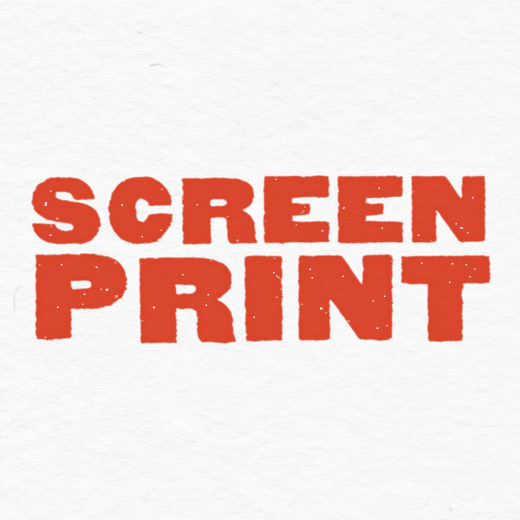
Screen Print printed in the Screen Print method
Screen Print
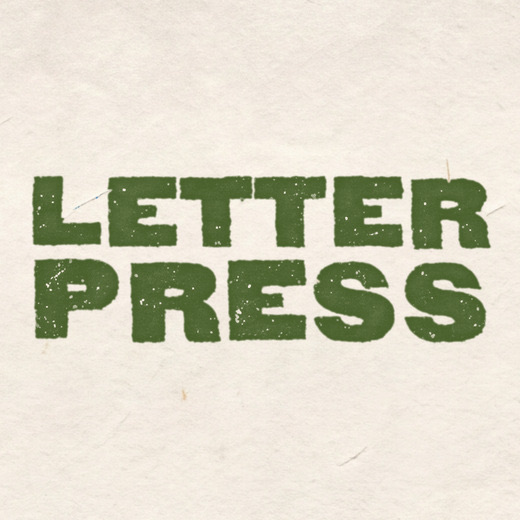
Letterpress printed in the Letterpress method
Letterpress
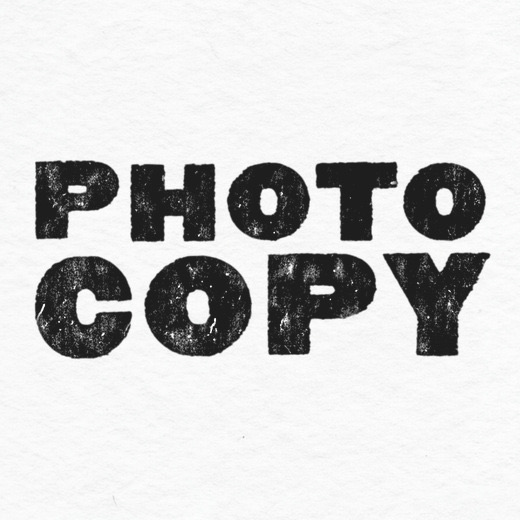
Photocopy printed in the Photocopy method
Photocopy
Newspaper printed in the Newspaper method
Newspaper
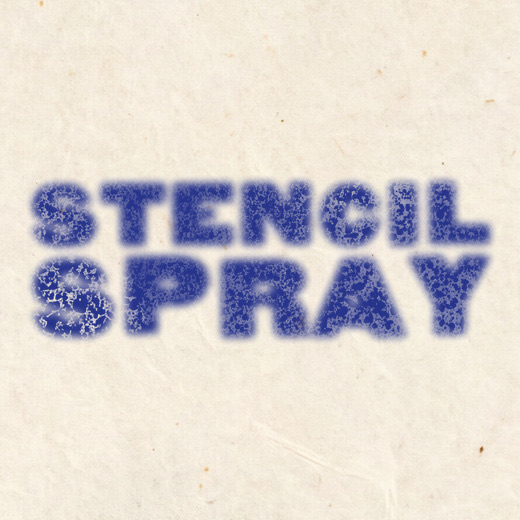
Stencil Spray printed in the Stencil Spray method
Stencil Spray
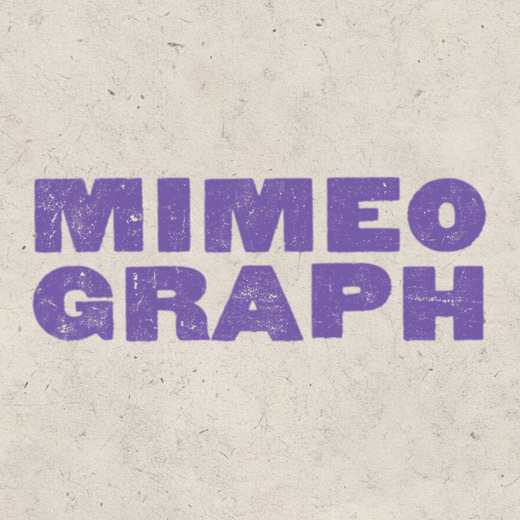
Mimeograph printed in the Mimeograph method
Mimeograph
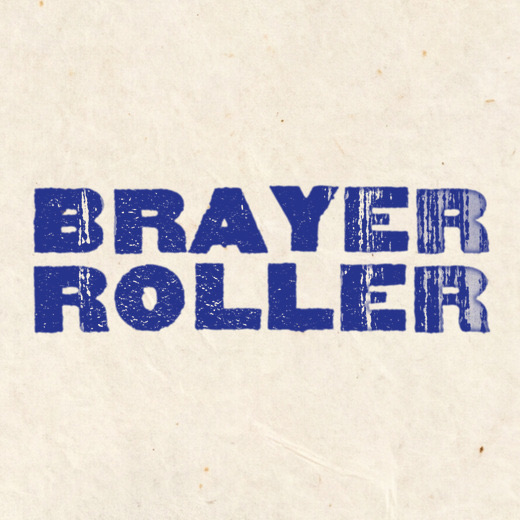
Brayer Roller printed in the Brayer Roller method
Brayer Roller
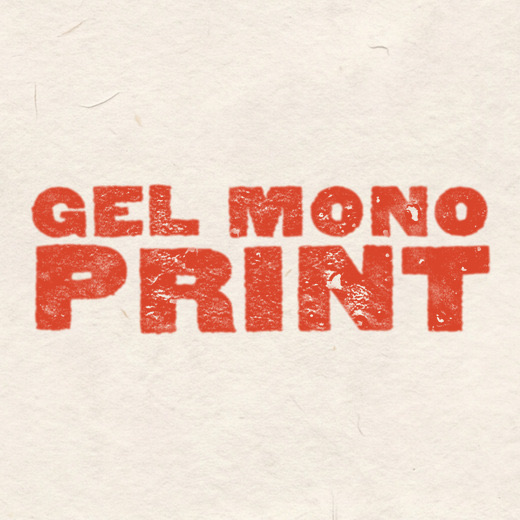
Gel Monoprint printed in the Gel Monoprint method
Gel Monoprint
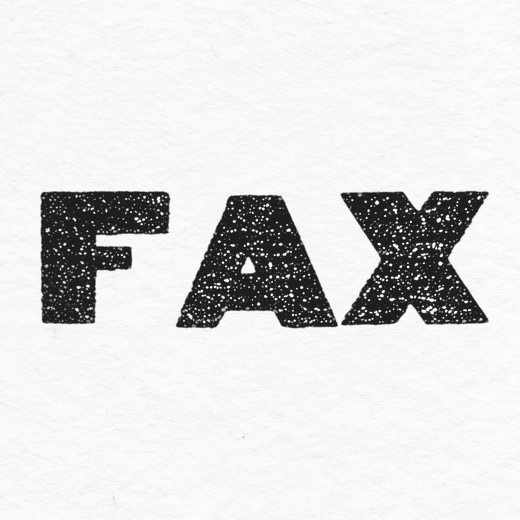
Fax printed in the Fax method
Fax
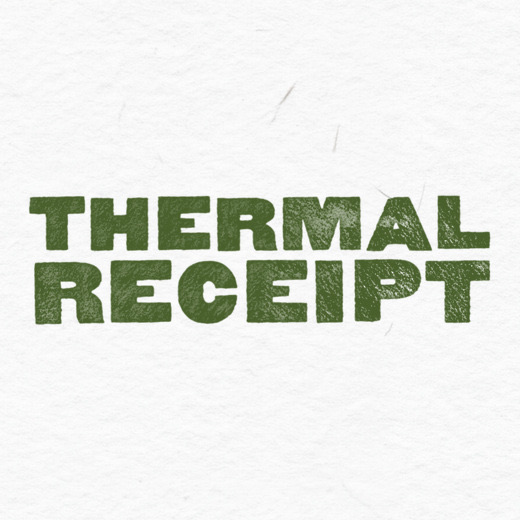
Thermal Receipt printed in the Thermal Receipt method
Thermal Receipt
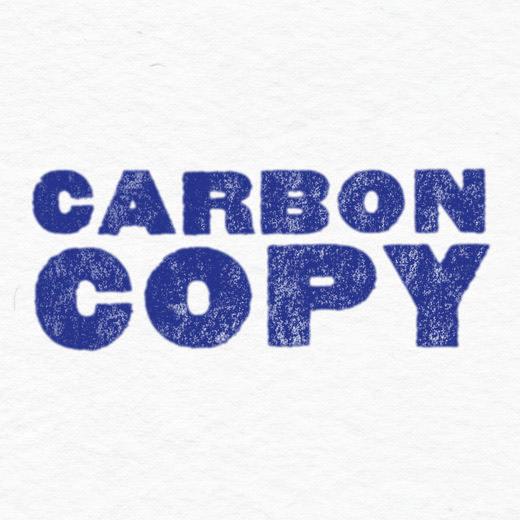
Carbon Copy printed in the Carbon Copy method
Carbon Copy
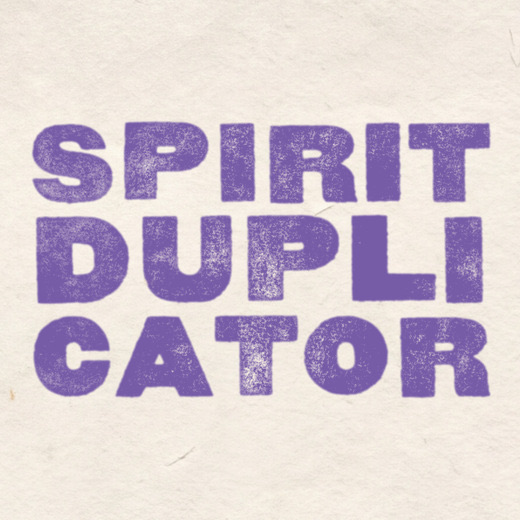
Spirit Duplicator printed in the Spirit Duplicator method
Spirit Duplicator
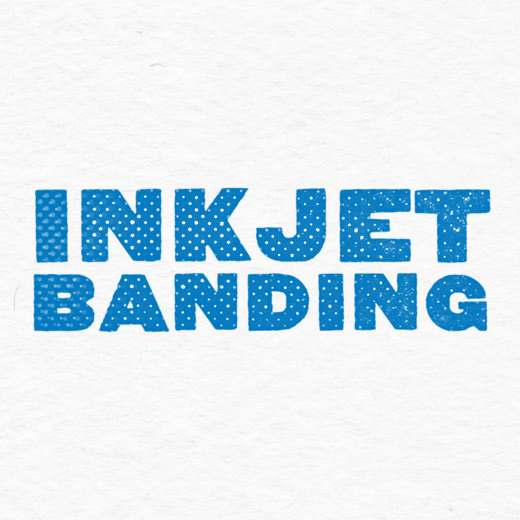
Inkjet Banding printed in the Inkjet Banding method
Inkjet Banding
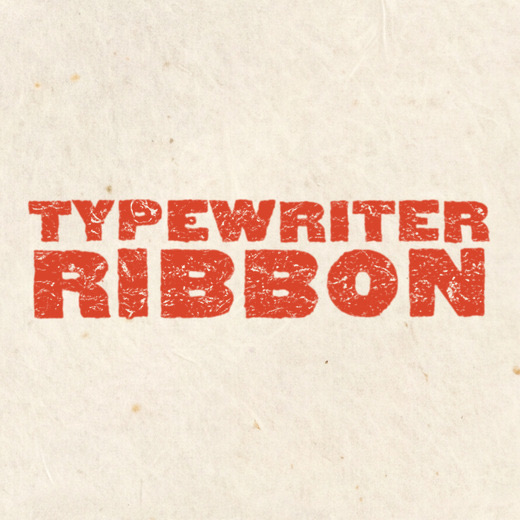
Typewriter Ribbon printed in the Typewriter Ribbon method
Typewriter Ribbon

5 Papers At True Size

Always at real print scale, whatever your document's size.
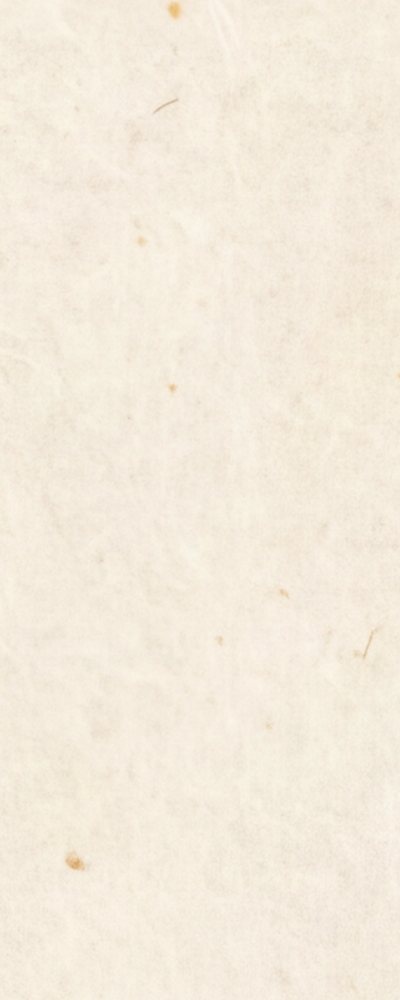
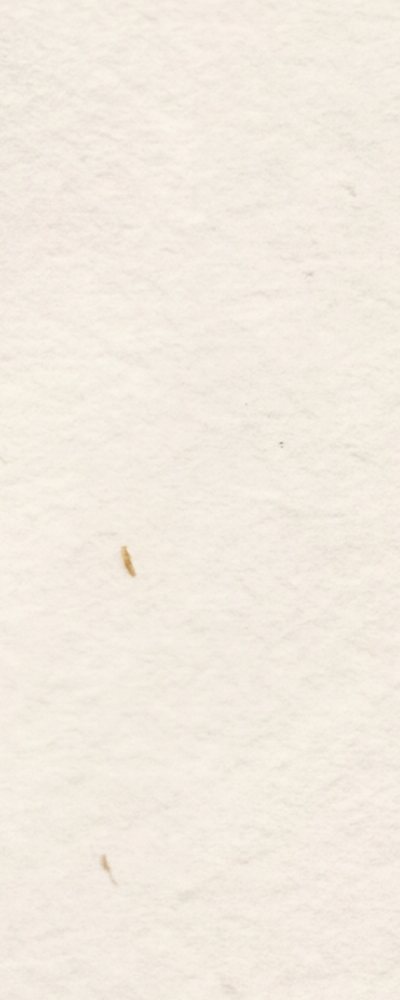
Cream Uncoated paper
Cream Uncoated
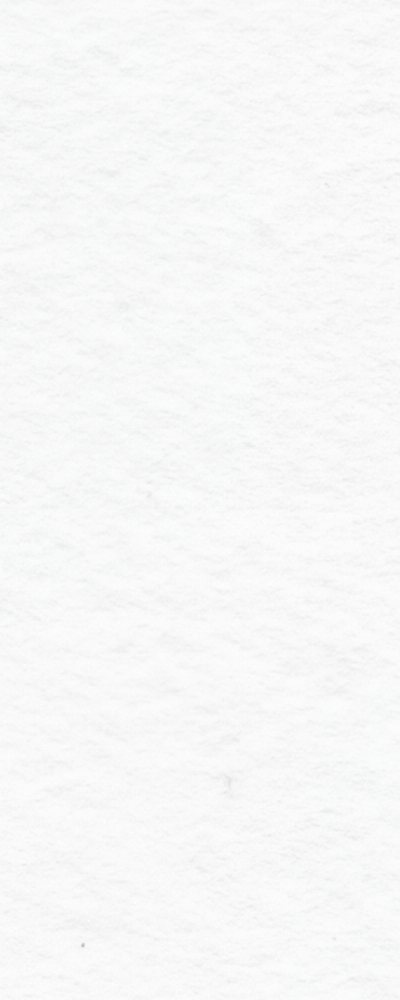
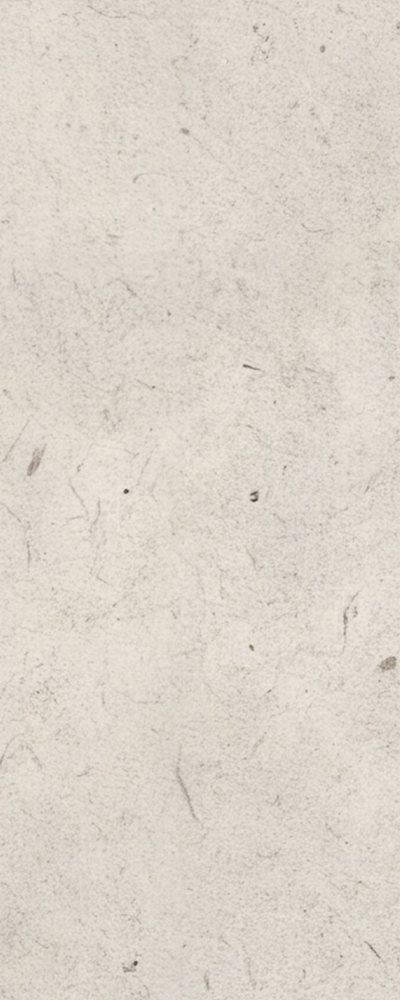
Bright White paper
Bright White
Natural White paper
Natural White
Newsprint paper
Newsprint
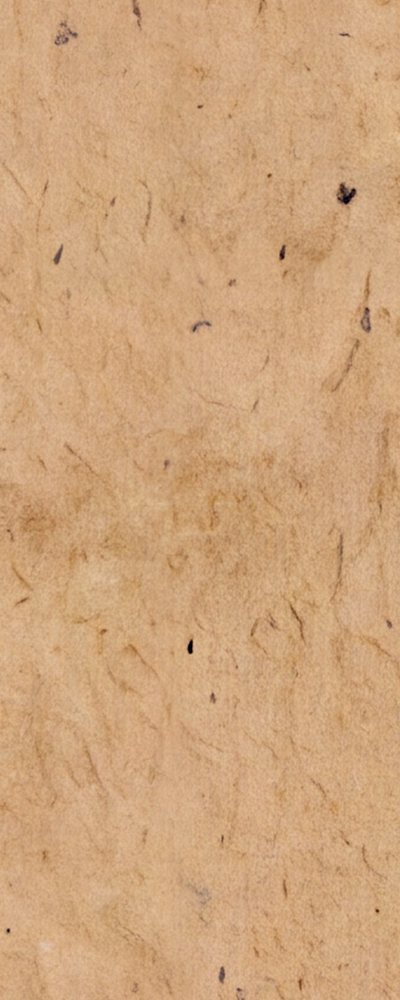
Kraft paper
Kraft

Try Any Combo

Pick a method, a paper and an ink. All 225 combos come straight from the plugin.
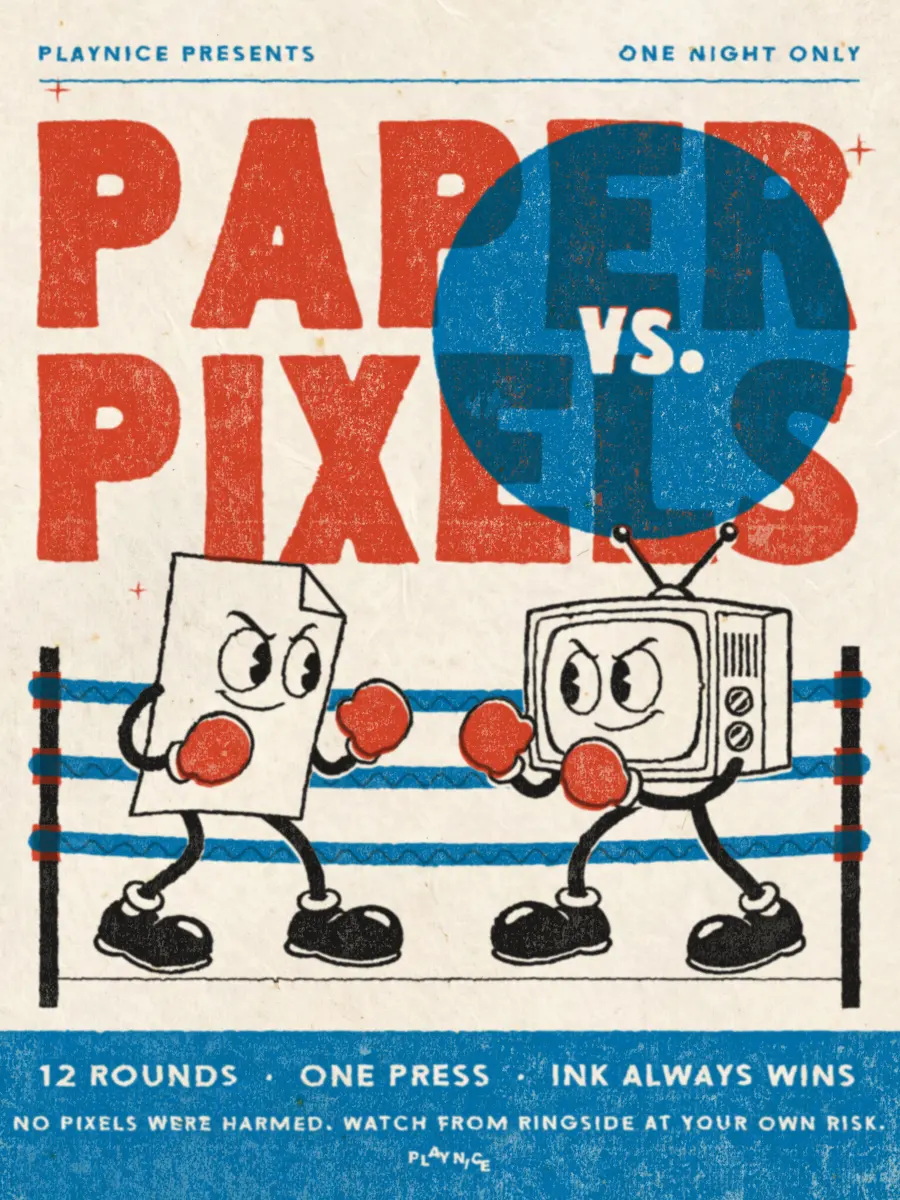
Paper vs Pixels poster pressed in Riso on Cream Uncoated, in its own colours
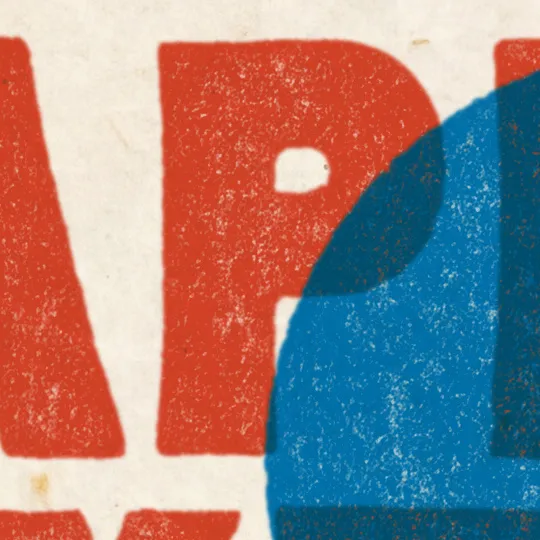
Close-up of the same print
Up Close

Riso

Fine grain, small gaps. On Cream Uncoated, in its own colours.

Method

Paper

Any Ink Colour

Nine riso inks, your layer's own colours, or any colour you pick. Recolour later right in the Layers panel.
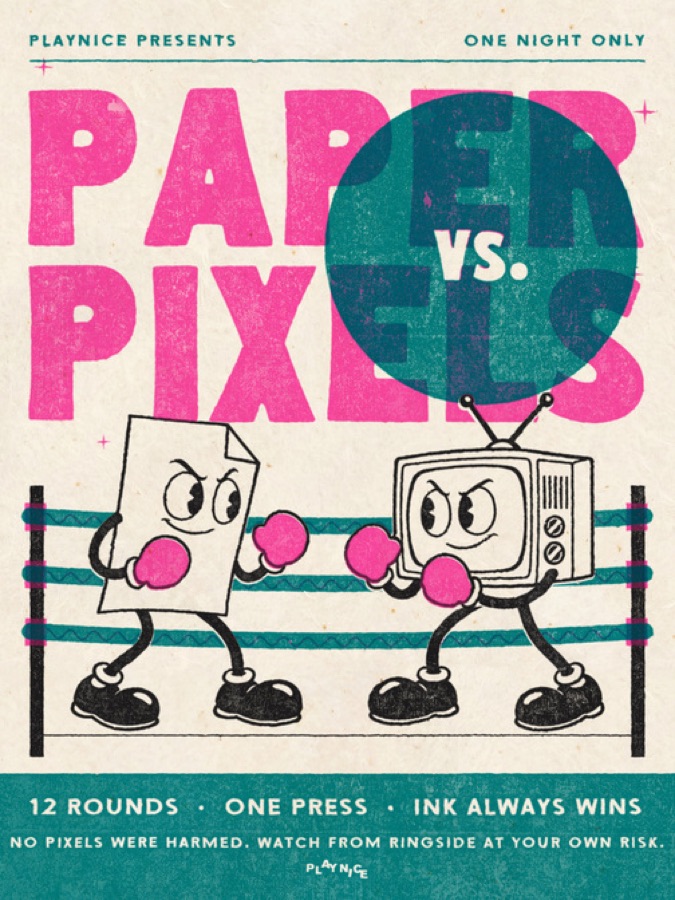
Fight poster in Fluo Pink and Teal
Fluo Pink + Teal
Fight poster in Orange and Purple
Orange + Purple
Fight poster in its own colours
Its Own Colours

Nothing Lost

Your original is always kept. Flip Before / After, change any setting, or Restore Original in one click.
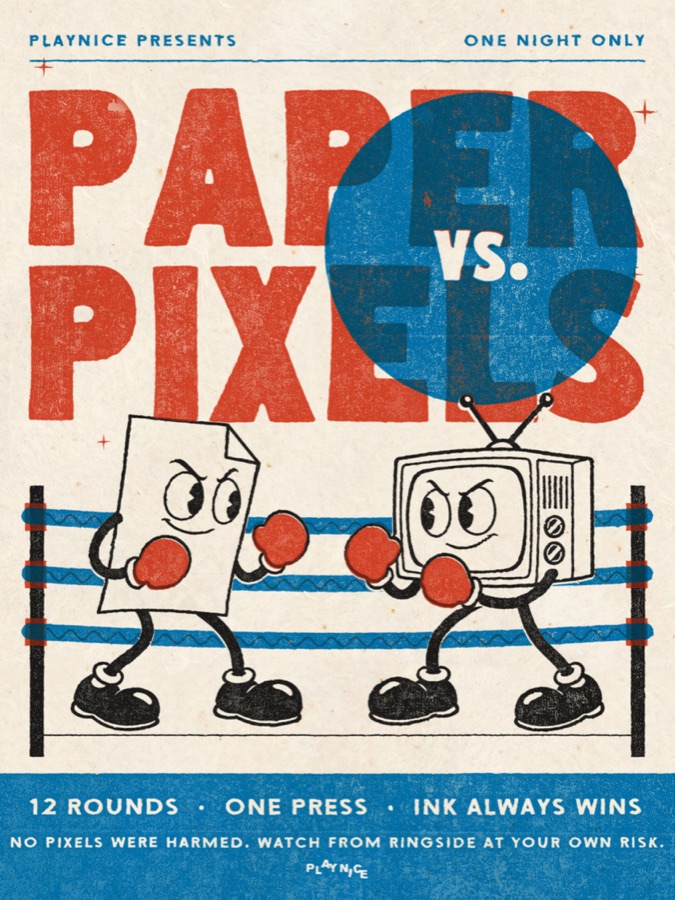
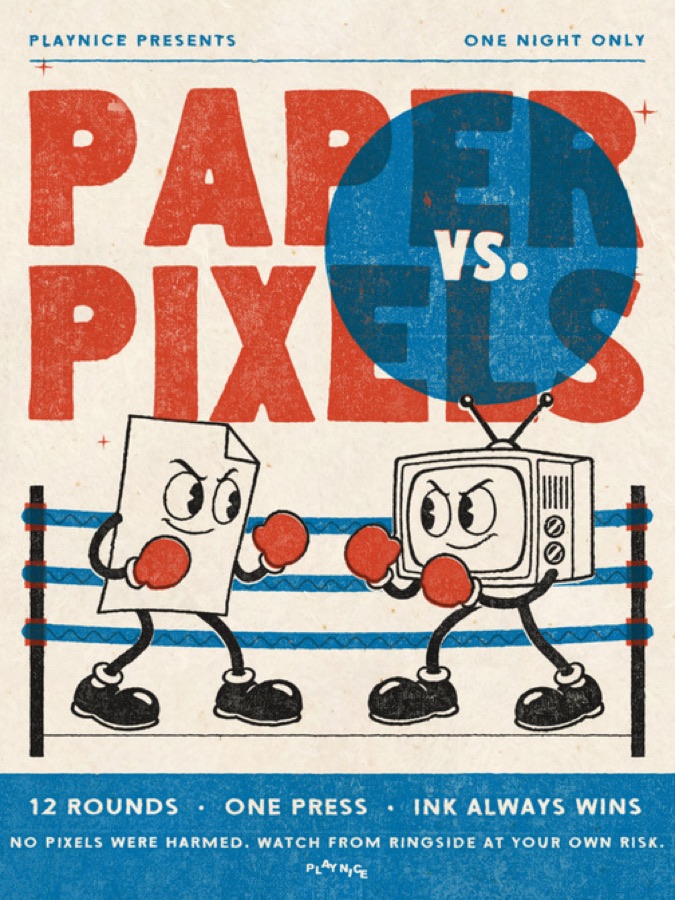
Pressed poster reading Paper vs Pixels
Original
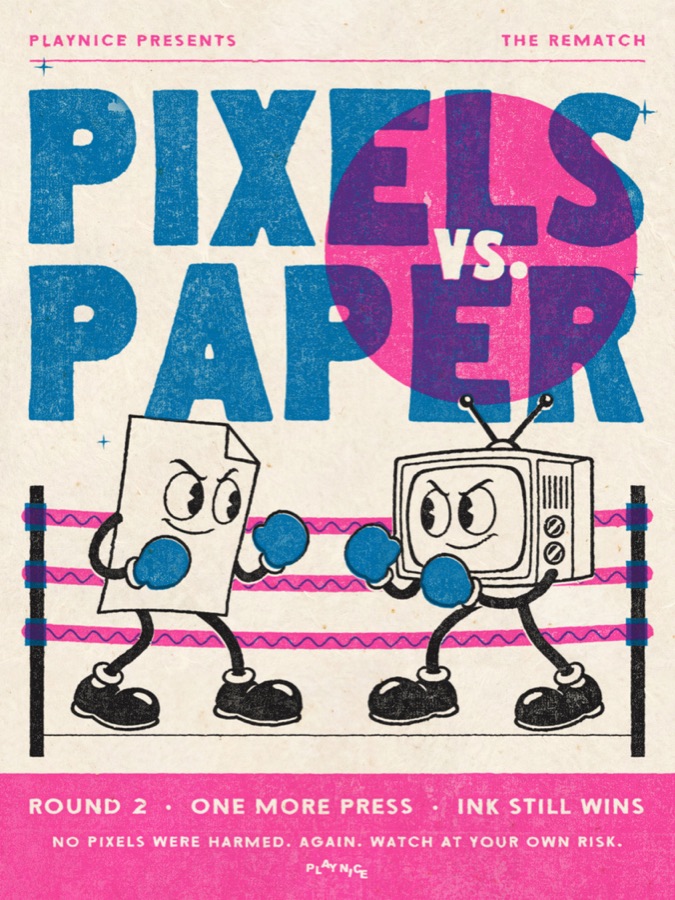
The same poster with new words, Pixels vs Paper, and swapped inks
The Rematch

Up Close At 100%

Ink Spread, Misregistration and Wear take it from fresh off the press to well loved. Small type stays readable.
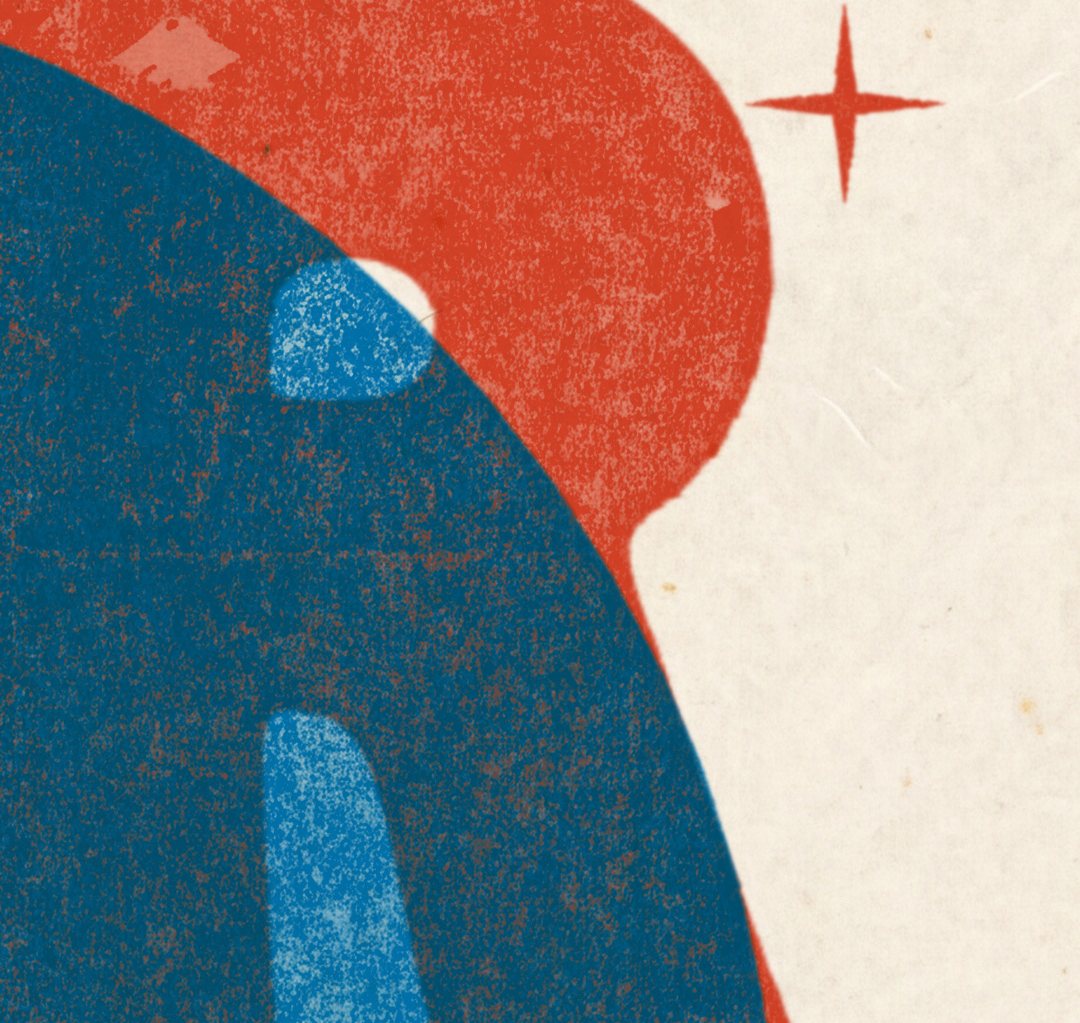
100% close-up of riso ink on cream paper

Made With Pressed

Paper vs Pixels fight poster, made with Pressed
Riso
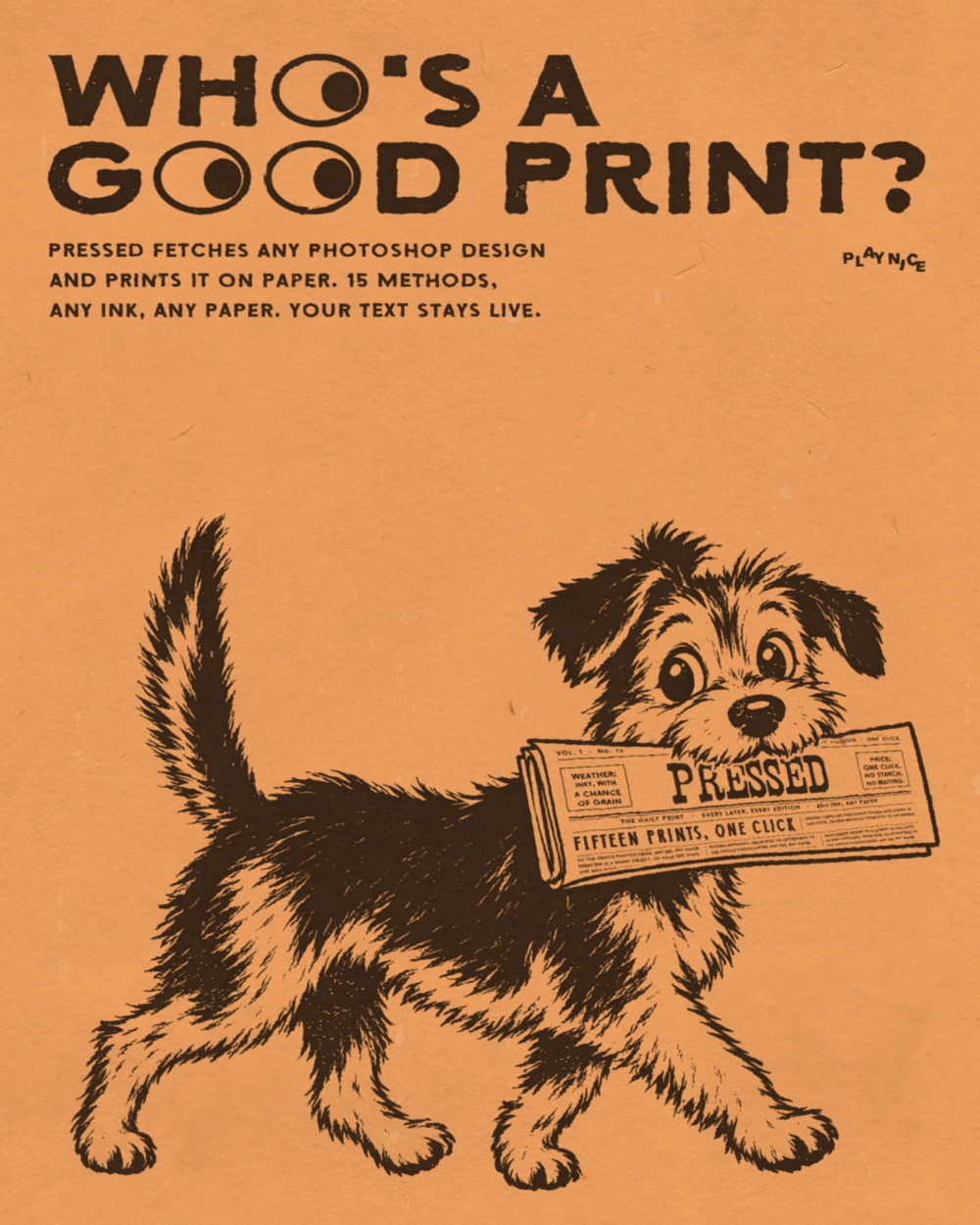
Who's A Good Print? dog poster, made with Pressed
Screen Print
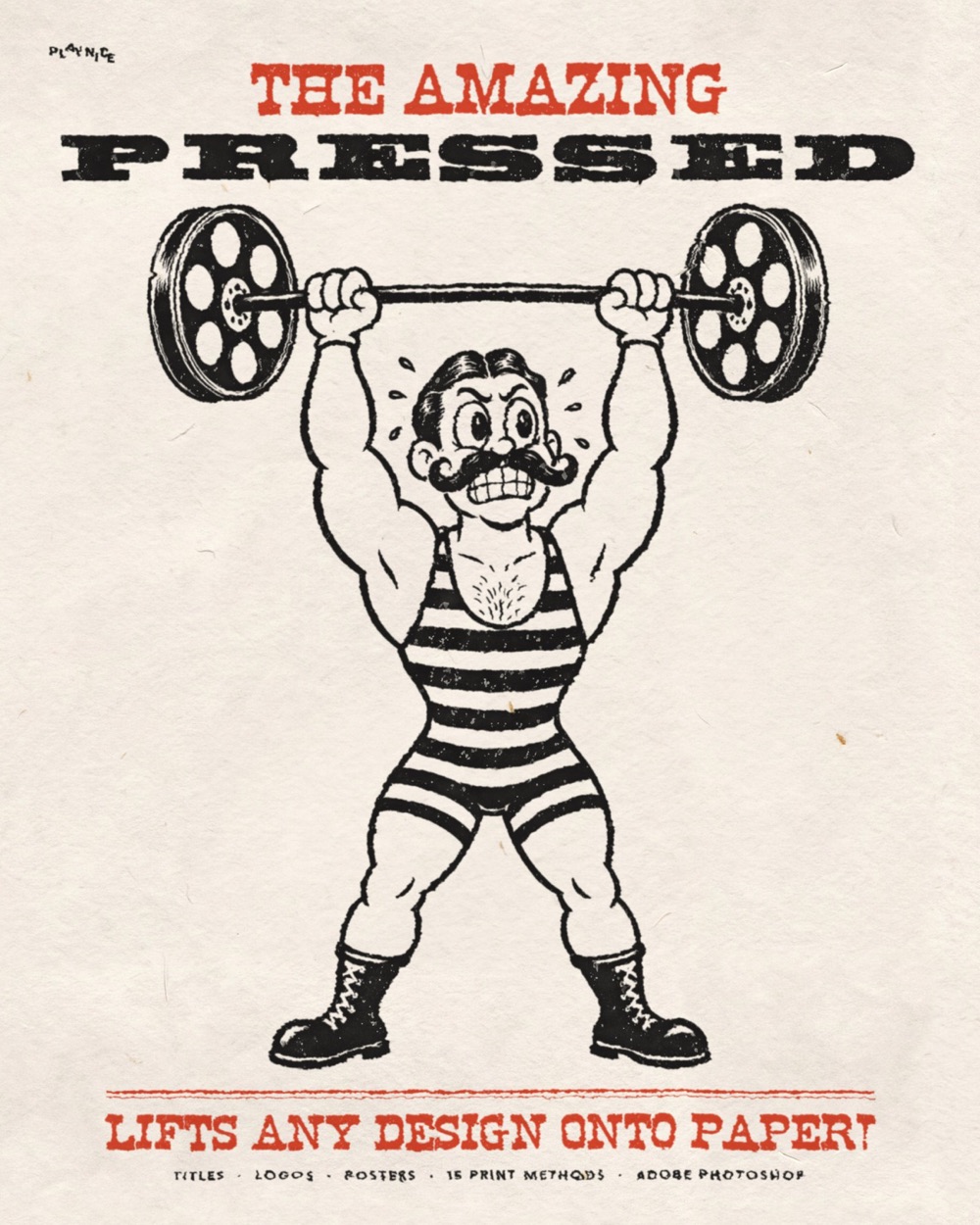
The Amazing Pressed strongman poster, made with Pressed
Letterpress
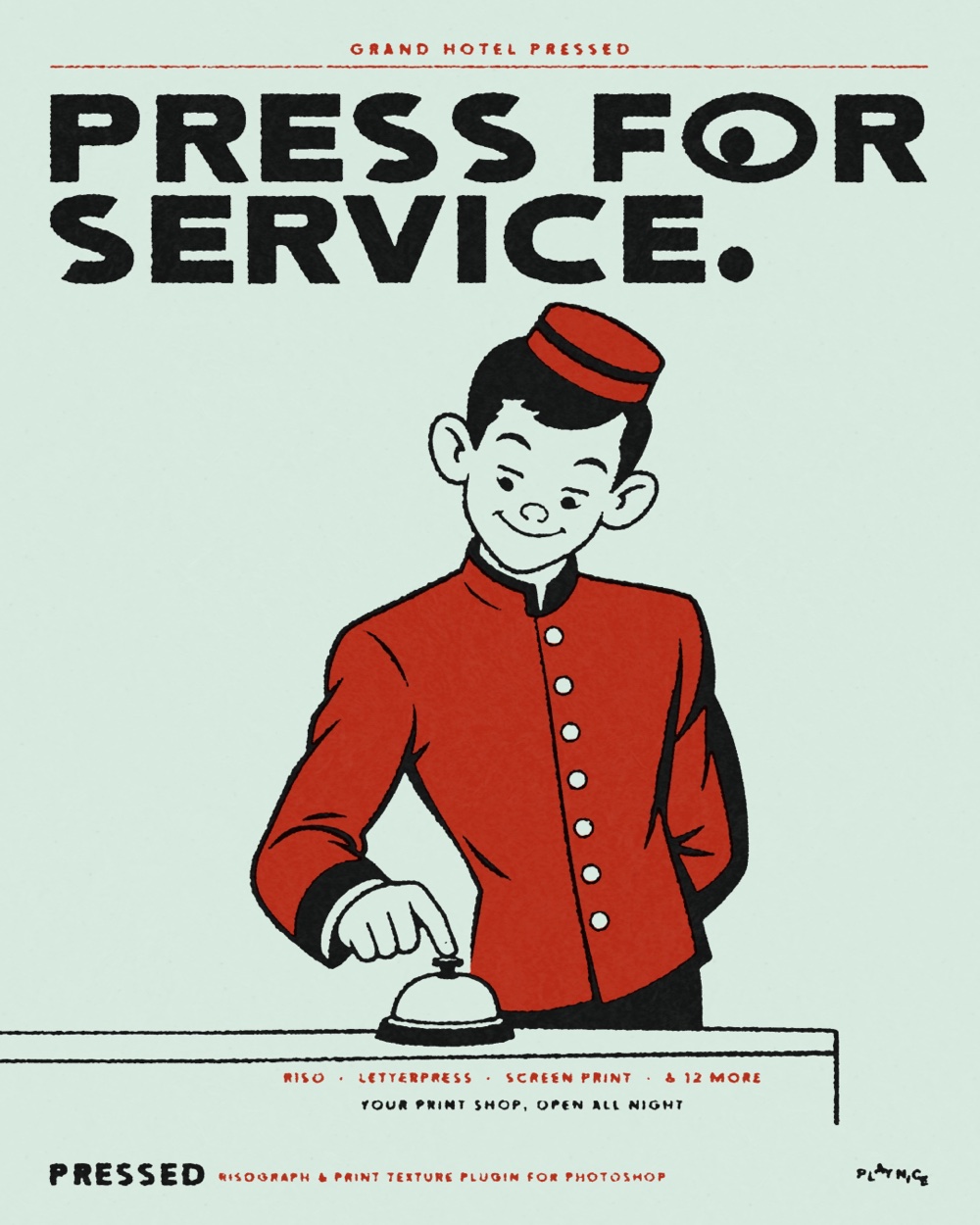
Press For Service bellhop poster, made with Pressed
Screen Print
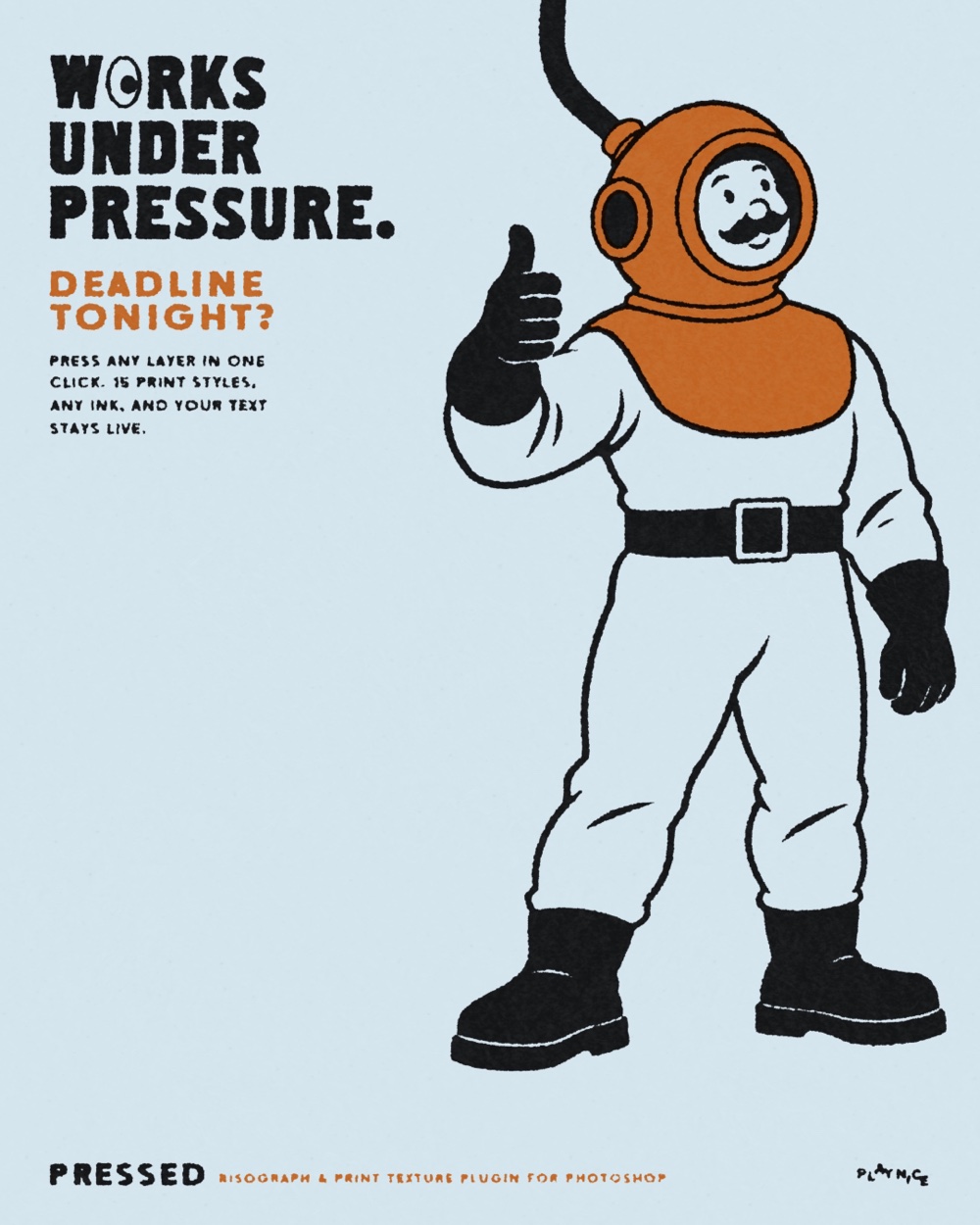
Works Under Pressure diver poster, made with Pressed
Riso
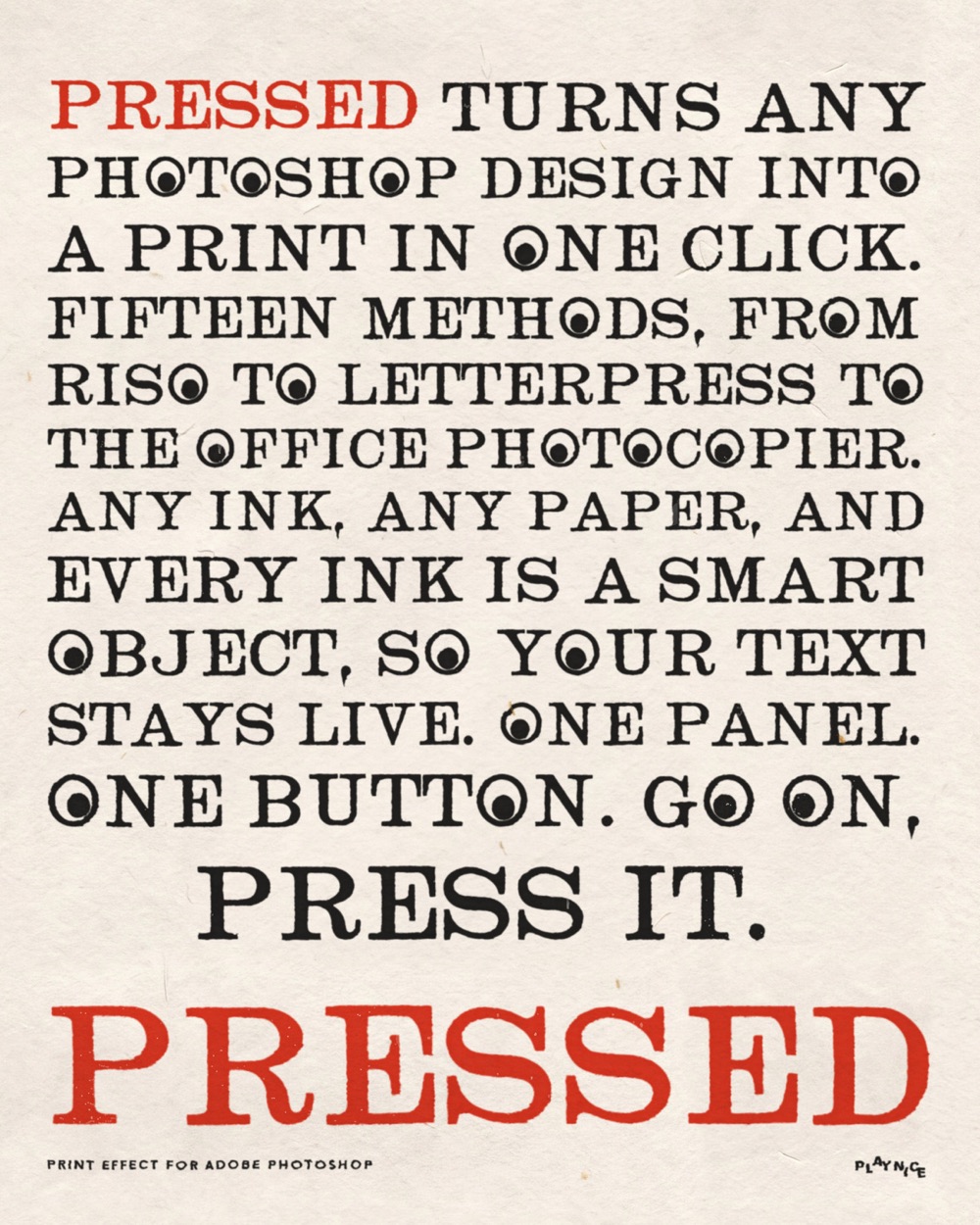
Pressed type poster, made with Pressed
Screen Print

What's Inside

  • The Pressed plugin for Photoshop, installs with a double-click
  • 5 paper stocks and 15 print methods, built in
  • The Pressed Guide, a 16-page PDF
  • Instant download and lifetime updates
  • Unlimited personal and client projects

Works With

  • Adobe Photoshop 2023 (v24.4) or newer on Mac or Windows
  • RGB and CMYK documents

Questions

Will it work on photos or painted artwork?

Yes. It works on text, shapes, pixels, smart objects and groups. It looks most like a real print on flat colour, type and illustration.

Is it fast?

Yes. An Instagram-size post presses in about a second, and colour changes are instant.

Can I use it for client work?

Yes, on unlimited personal and client projects. Just don't share or resell the plugin or its files.

Is it a subscription?

No. Pay once and keep it, with lifetime updates.

Can I use it on my laptop and my desktop?

Yes. One licence covers one person on their own computers.

How do I install it?

Double-click the .ccx file and Creative Cloud installs it. In Photoshop, open Plugins > Pressed by PLAYNICE > Pressed.

Which Photoshop do I need?

Photoshop 2023 (v24.4) or newer on Mac or Windows, in RGB or CMYK.

Something else?

Email hello@playnicebenice.com.

Go On, Press It

Once you press a poster, you won't want to post a flat one again.

$39 $10 off until Wed Nov 11
One payment, lifetime updates. Mac + Windows, Photoshop 2023+
Pressed
$39 $29
Get Pressed